How to Structure and Optimize Your Instagram Link in Bio
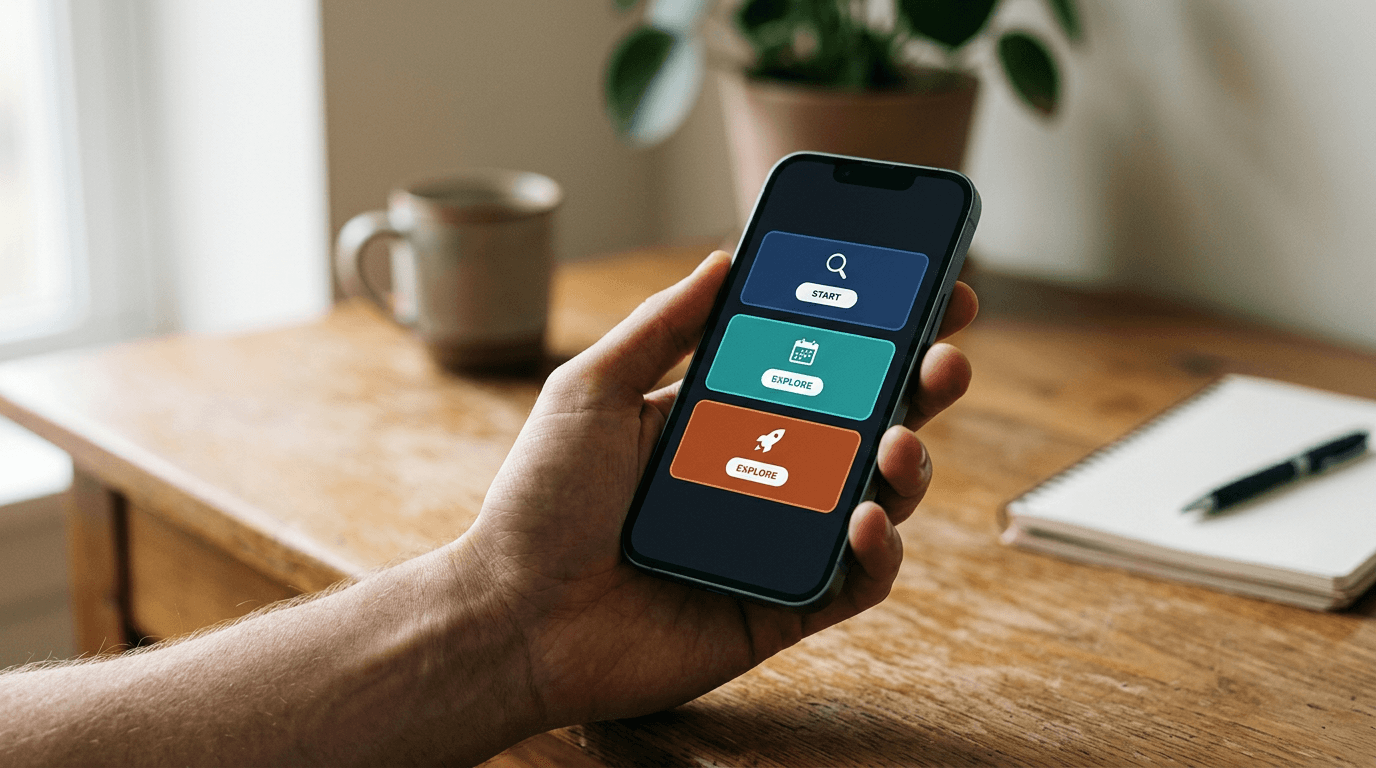
The single clickable URL slot on an Instagram profile page is the narrowest bottleneck in mobile marketing. Brands routinely spend extensive resources driving attention to a specific visual post, only to lose that captured audience when the call to action directs them to a fragmented, slow-loading homepage. To capitalize on mobile intent, that single link in bio must function as a high-speed routing layer, not a static directory. It must instantly bridge the gap between a fleeting social media impression and a concrete business outcome before the user swipes away.
Quick Summary
The link in bio is a dedicated mobile routing page designed to bypass Instagram's single-URL constraint. It consolidates multiple campaign destinations into one accessible hub. Optimizing this asset requires matching the speed of social browsing with focused conversion paths, utilizing tracking pixels, and relying on real website functionality rather than basic directories.
- Replaces a standard homepage with a focused, mobile-first interface.
- Captures impulse clicks through optimized page load speeds.
- Requires tracking pixels and custom domains for reliable campaign analytics.
- Minimizes navigation choices to prevent audience decision fatigue.
Table of Contents
- Why the link in bio dictates your conversion ceiling
- Where standard landing pages fail mobile audiences
- How to structure an Instagram bio for maximum click-through
- What breaks when you send social traffic to a traditional homepage
- The technical mechanics of tracking social conversions
- Who should skip basic link directories
- FAQ
- Recommended Reads
Why the link in bio dictates your conversion ceiling
Social media environments operate on high-speed impulse. When a user reads a caption stating the link is in bio, their intent to act has a half-life measured in seconds. If the destination URL forces them to wait for heavy assets to load or makes them hunt for the specific product they just saw, that intent evaporates.
The technical reality of social media traffic is that links do not open in a standard mobile browser like Safari or Chrome. They open inside the platform's proprietary in-app browser. This sandbox environment strips away user conveniences like saved passwords and auto-fill functionality, while also artificially inflating page load times.
Because of this friction, the destination page must perform flawlessly under constrained conditions. A dedicated routing page strips away navigational bloat. It exists solely to catch traffic emerging from the in-app browser and immediately present the user with the exact choices they expect to see based on your recent content.
Where standard landing pages fail mobile audiences
Faced with the single-URL constraint, many practitioners default to basic directory tools - static pages containing a stack of identically styled buttons. While this approach treats the immediate symptom by allowing multiple links, it often fails the underlying goal of converting traffic.
A simple stack of buttons provides zero context and forces the user to read through every option to find what they want. Conversely, an optimized mobile landing page utilizes real website functionality, allowing for visual hierarchy, embedded lead forms, and direct product integration.
| Feature | Basic Link Directory | Optimized Mobile Landing Page |
|---|---|---|
| Domain Authority | Shares a third-party domain | Hosted on a custom domain |
| Design Control | Restricted to preset color themes | Full HTML, CSS, and JS modification |
| Tracking Capabilities | Basic click counting | Deep integration with marketing pixels |
| Conversion Path | Requires secondary clicks to off-site pages | Can embed lead forms and media directly |
| HTTPS Status | Handled by the third-party provider | Automatic HTTPS tied to the custom brand |
Standard linkbio tools often restrict brands to a shared domain. This not only dilutes brand equity but also poses security and deliverability risks. If bad actors abuse the shared domain, social platforms may temporarily block or shadow-ban the entire URL structure, taking your profile link down with it. Operating on a custom domain isolates you from neighborhood penalties.
How to structure an Instagram bio for maximum click-through
Before the user even reaches the landing page, the text inside the profile itself must provide immediate context. An effective Instagram bio primes the user for the click by removing ambiguity.
The Name field (the bold text directly under your profile picture) is indexed by the platform's search algorithm. Practitioners who duplicate their username here waste valuable search real estate. Instead, the Name field should combine your brand name with your primary service or product category.
Structuring an effective Insta bio requires prioritizing clarity over cleverness. The 150-character limit forces strict editorial decisions. The lines directly above the URL slot are prime real estate for directional copy.
Practical rule: Never make the user guess what happens after the click. Use a direct, actionable verb - such as "Shop the spring collection" or "Book a consultation" - pointing downward, rather than a generic "Website" label directly above your URL.
What breaks when you send social traffic to a traditional homepage
Routing social traffic directly to a standard corporate homepage introduces three distinct failure modes that devastate conversion rates.
The Navigation Paradox
A traditional homepage is designed for discovery. It features header menus, footers, about pages, and dozens of outbound links. Social users, however, arrive with a specific, narrow intent generated by a single post. Presenting them with a full website menu induces decision fatigue. When forced to choose between twenty links to find the one item they want, the user will almost always choose the hidden twenty-first option: abandoning the session entirely.
The Load Time Penalty
Corporate homepages are frequently weighed down by uncompressed hero videos, complex JavaScript frameworks, and heavy tracking scripts. When forced through a social platform's unoptimized in-app browser, these assets stall. Measure your in-app bounce rate in your analytics dashboard; if traffic from social platforms registers an immediate bounce rate significantly higher than organic search traffic, your page weight is likely causing users to exit before the first paint.
The Context Gap
When an audience member clicks a link after viewing a post about a specific winter jacket, they expect to see that jacket immediately. If they land on a homepage promoting a generic seasonal sale, the mental labor required to navigate to the specific product causes friction. A dedicated routing page solves this by allowing you to pin the most recent or relevant content at the very top of the hierarchy, perfectly matching the context of your latest post.
The technical mechanics of tracking social conversions
Tracking social traffic requires more than appending UTM parameters to a URL. Because the traffic originates inside a sandboxed app environment, standard cookie-based tracking frequently fails to attribute conversions correctly.

When relying on a generic linkinbio platform, you typically only capture outbound click data. You can see how many people tapped a button, but you lose visibility into what happened after they left that directory.
To map the full user journey, the routing page must support raw code injection to host marketing pixels from Meta, Google, TikTok, and other relevant platforms. More importantly, to utilize advanced tracking protocols like Meta's Aggregated Event Measurement, you must verify domain ownership within your business manager. You cannot verify ownership of a third-party directory domain.
Therefore, utilizing a custom domain for your mobile landing page is not merely an aesthetic choice; it is a strict technical requirement for running optimized retargeting campaigns. Without domain verification, the advertising platforms will throttle your ability to track downstream conversion events, blinding your paid acquisition efforts.
Who should skip basic link directories
Basic directories serve a purpose for casual users who merely want to cross-link a personal Twitter account and a YouTube channel. However, treating a profile link as a simple business card is a mistake for any entity relying on social media for revenue.
E-commerce brands, digital marketing agencies, affiliates, and enterprise organizations will rapidly hit the technical ceiling of basic tools. If your strategy requires tracking return on ad spend (ROAS), running retargeting campaigns based on page views, or embedding custom HTML widgets for newsletter signups, you must bypass the directory tier entirely.
These organizations require a platform that generates real website functionality, deployed on a global edge network to ensure latency-free delivery, and secured automatically via HTTPS. By upgrading from a list of buttons to a heavily customized, pixel-tracked landing page, practitioners regain control over the post-click experience, ensuring that hard-earned social attention actually translates into measurable business growth.
FAQ
Why do links open inside the app instead of my phone's browser?
Social platforms use proprietary in-app browsers to keep users inside their ecosystem for as long as possible. This approach prevents users from being distracted by other browser tabs, but it restricts features like auto-fill and password managers, making mobile optimization critical.
How many options should I include on my routing page?
Keep options limited to between three and seven primary actions. Providing ten or more options fragments attention and causes decision fatigue, which directly increases page abandonment.
Can I put a Meta Pixel on a free directory link?
Generally, no. While some free tools allow basic script placement, accurate conversion tracking requires domain verification within Meta Business Manager. You cannot verify a domain that you do not own, making a custom domain necessary for professional tracking.
Should I change my bio link URL for every new post?
No. Frequently changing the main URL breaks older posts that users might discover later. Instead, use a single, stable routing page and update the links featured inside that page to match your current content schedule.